Project to build your own smart temperature and humidity monitoring system: Part 4. Mobile app development
 sanObservability Platform Engineer, WhaTap
Part 4: Mobile app development
In the previous episode, we looked at how to save Raspberry Pi's temperature and humidity sensor data to the WhaTap Project. This time, we'll look at how to query stored data using WhaTap's Open API and visualize it in a mobile app using Flutter. We plan to use an Android simulator as a development environment.
What to bring
1) Open API
To use the Wtab Open API, you need the following three pieces of information:
- Account API token
- Project API token
- project code
Detailed settings WhaTap official documentationPlease refer to
2) MXQL
MXQL is WhaTap's dedicated query language for querying WhaTap's performance data (metrics). As we saw in Part 3, MXQL can be used to visualize collected data as charts.
As shown in the example above, you can simply query the stored data.
3) MXQL Open API
MXQL can be called and results can be received via Open API. (MXQL Open API User Guide)
MXQL Open API testing
We will conduct a test to search the data based on the prepared information.
- x-WhaTap-token: Project API Key
- x-WhaTap-pcode: project id
- stime: query start time (UNIX epoch time, millisecond)
- etime: query end time (UNIX epoch time, millisecond)
View data for the last 7 days with a limit of 3.
The results are the same as above.
Mobile app development
Flutter
Flutter is a cross-platform framework developed by Google. It's efficient because you can develop both iOS and Android apps with a single codebase. The features are as follows:
- Using the Dart programming language
- Rich built-in widgets enable fast UI development
- Hot reload function enables real-time code modification and verification
- Provides native-level high performance
tools
The following tools must be installed for Flutter development:
- Flutter SDK: Install the right version for the development PC's operating system
- Android Studio: The official Android IDE
- Android Studio plugins:
- Dart Plugins
- Flutter plugins
Detailed installation instructions Flutter official websitePlease refer to the guide at
project creation
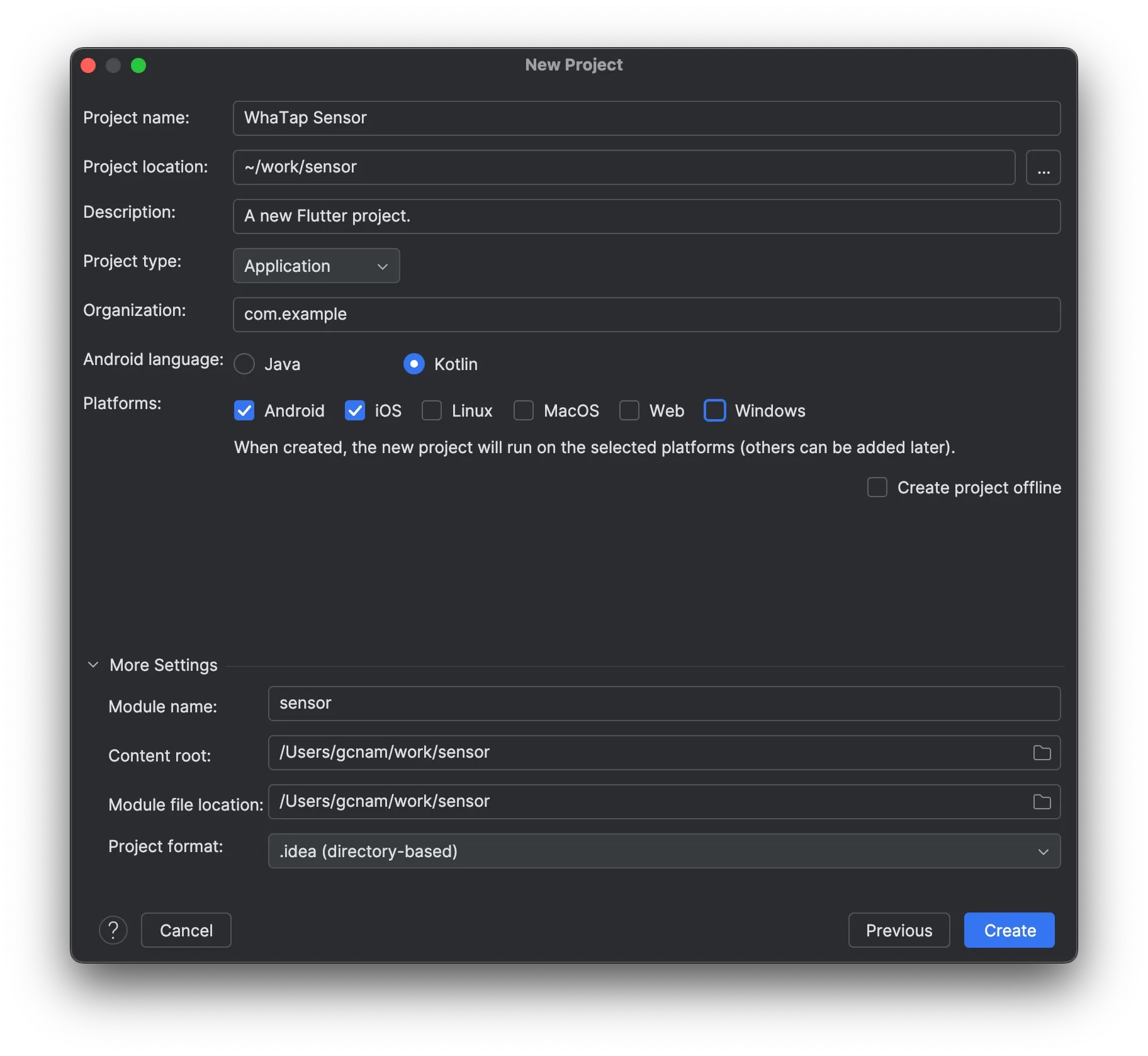
Build and run an empty project
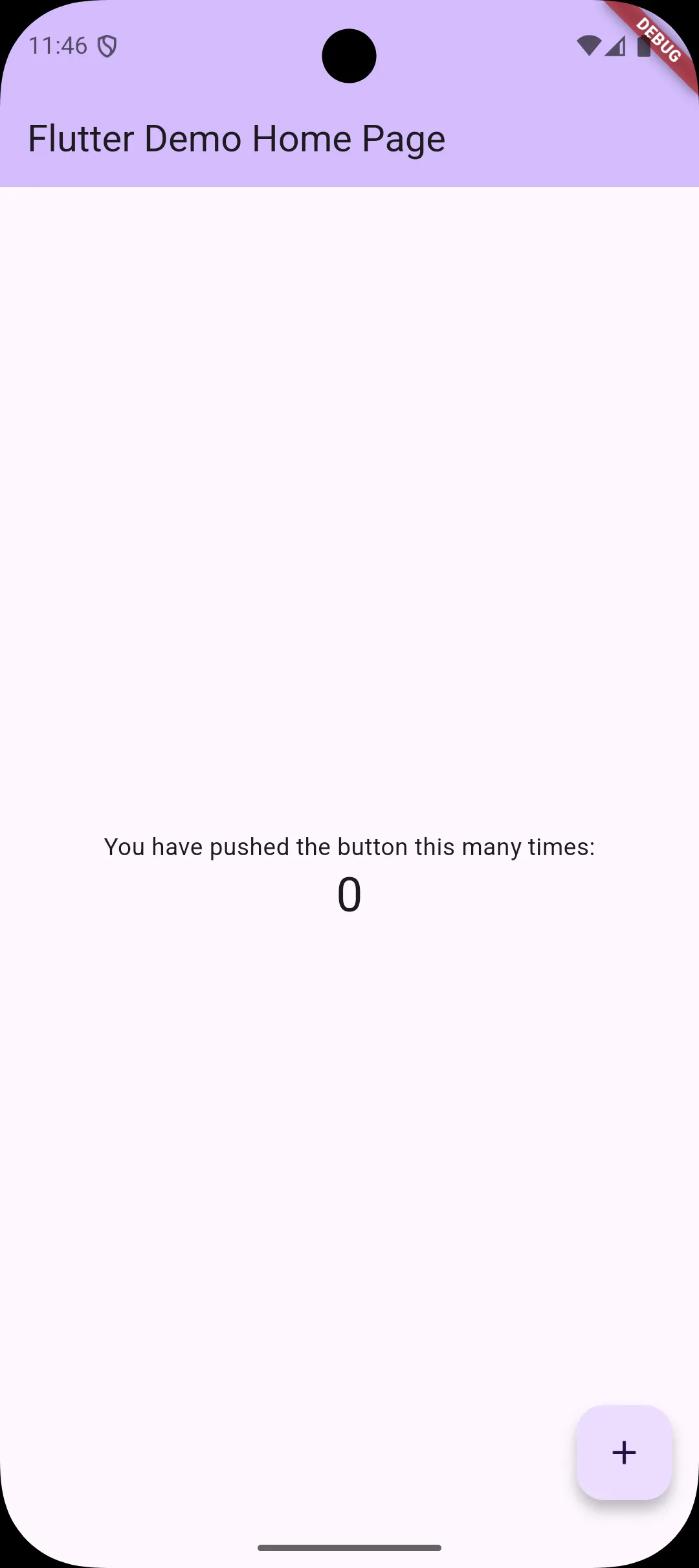
When you create a new Flutter project in Android Studio, a counter app example is included by default. This example code can be found in the lib/main.dart file.
Installing the library
The main libraries required for the project include:
- Dio: A powerful library for HTTP communication
- fl_chart: chart library for data visualization
Using these two libraries, we'll call WhaTap's API and display the temperature and humidity data as a chart.
Main.dart screen cleanup
Organize lib/main.dart in a concise manner.
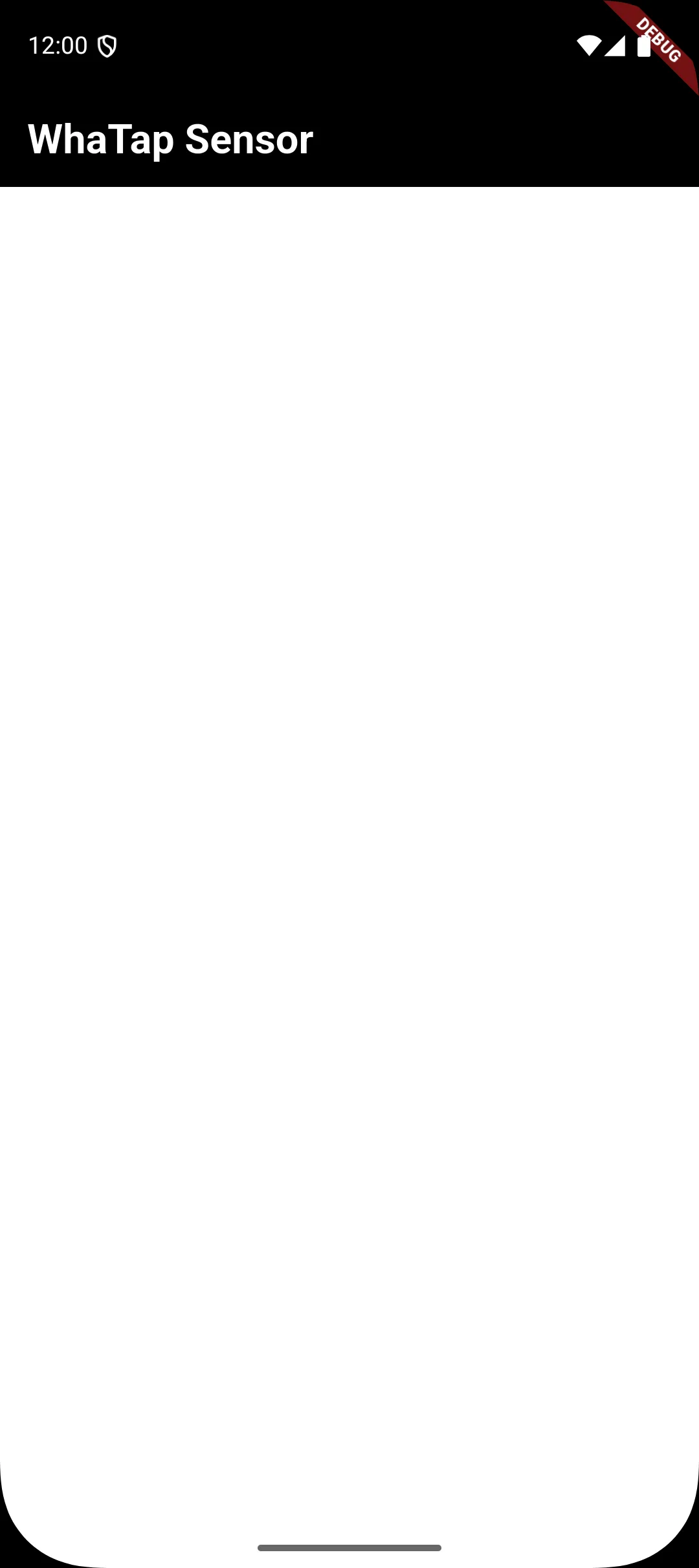
This is a blank screen after cleaning up unnecessary code that is automatically generated.
Writing Open API test code
Write Wtab Open API communication code.
WhaTap Open API test code
Confirm that the received data is correctly output to the AndroidStudio console.
Correct the actual operation code
Create a data model class.
Modify the UI screen where the chart is displayed.
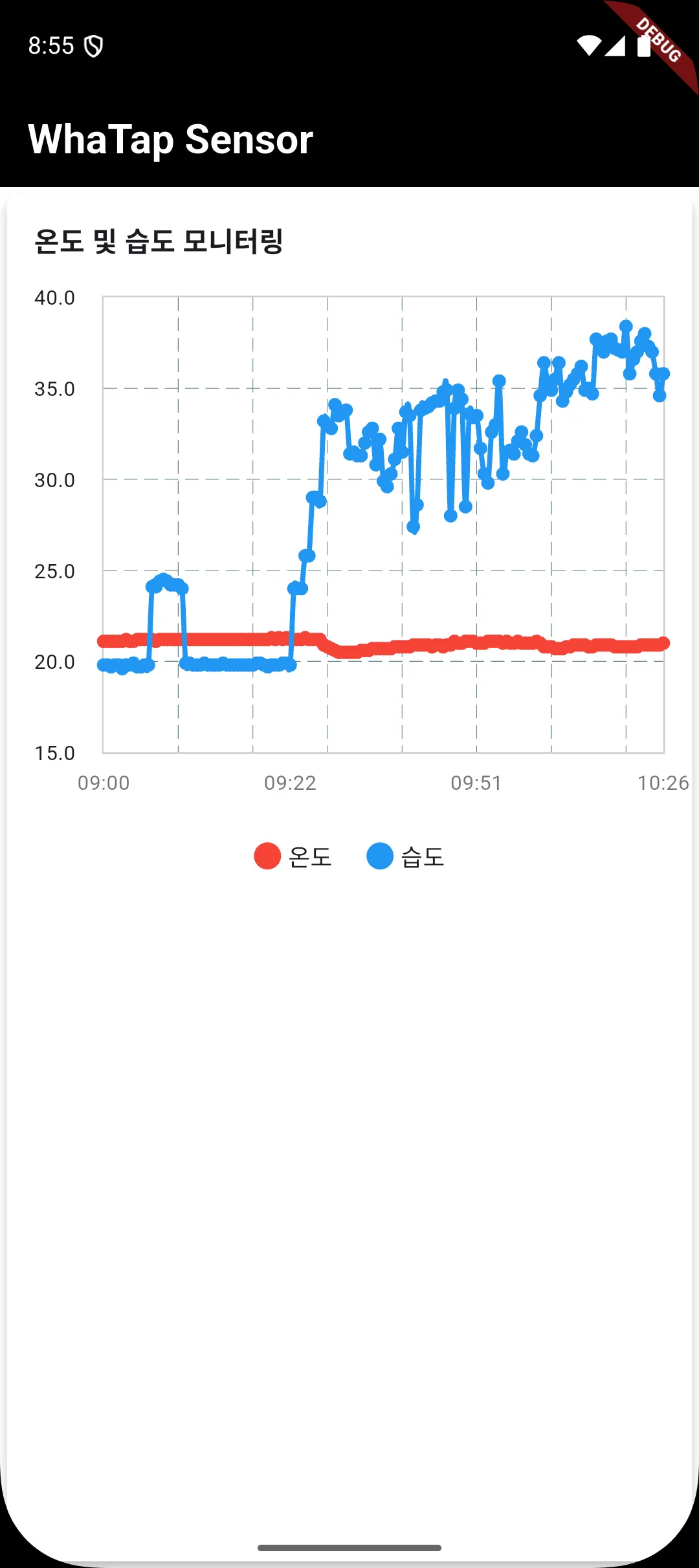
finishing
In this project, we looked at the entire process of storing IoT device data in WhaTap and visualizing it as a mobile app. The current configuration is for basic demonstration purposes, and the following additional features can be considered for actual use:
- Select a time/date range
- data filtering
- Detailed analysis tools
The full source code for this project GitHub repositoryYou can check it out at
WhaTap provides various functions such as saving user data, setting notifications, and querying data through Open API. By utilizing these functions, it is possible to build a more comprehensive monitoring system by linking with existing server monitoring and APM solutions.