How is CPU usage measured
 WhaTap TeamAI-Native Observability
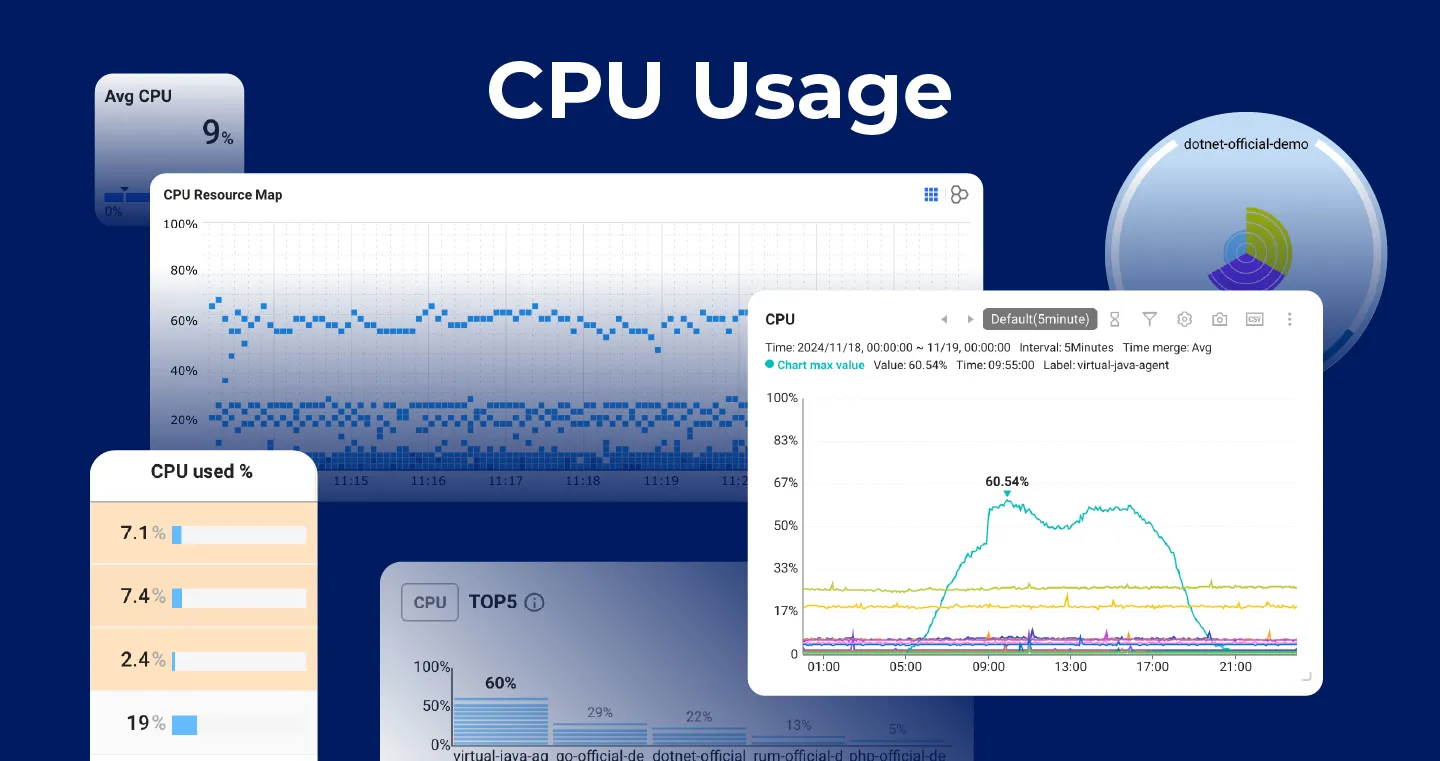
CPU usage is one of the most basic and important monitoring metrics. WhaTap also supports this key indicator. So what do CPU usage metrics mean, and how is this data generated and managed? In this article, we'll take a closer look at the principles and management methods of CPU data.
/proc/stat
On Linux systems, /proc/stat is a virtual file that provides various system performance information such as CPU usage, system load, and process statistics. In particular, CPU usage information provides essential data for system monitoring and performance analysis.
The role and structure of /proc/stat
The /proc/stat file is part of the procfs virtual file system and provides system and process statistics. By reading this file, you can get the latest information reflecting the current state of the system. The contents of the file are organized as follows:
What each field means
- user: Time spent running in user mode (excluding nice values)
- Nice: time in user mode running with low priority (nice)
- System: Time spent running in kernel mode
- Idle: Time spent in an idle state
- iowait: Time to wait for an I/O operation to complete
- IRQ: Time to handle hardware interrupts
- softirq: Time to handle software interrupts
- Steal: Time spent by other OSes in a virtualized environment
- guest: The time it has run on the guest OS
- guest_nice: Time on a guest OS running at a lower priority
We want to express the user metric as a percentage. However, /proc/stat provides a number such as 4705 rather than a percentage. This value represents an amount of time rather than a ratio. What unit does it use?
CPU user (user) data generation process
1. Accumulation of time based on the state of the process
When a process is running, the kernel increases the appropriate time counter depending on the execution mode of the process. When running in user mode user The counter will increase.
2. /proc/statData reflected in
- The kernel maintains internal CPU time accumulation information
/proc/statIt is provided to the user space via a file. - Each time a file is read, the kernel outputs the current accumulated CPU time value.
- Since these data are cumulative values since the system boots, differences with previous values must be compared in order to calculate CPU usage over a specific period of time.
CPU user data update cycle
Timer Tick-based updates
- The CPU time counter is updated every time a timer tick occurs.
- Therefore, the HZ value determines the update interval.
CPU time tracking in the Linux kernel
1. Timer ticks and HZ values
The Linux kernel tracks CPU time through timer ticks. Timer ticks are interrupts that occur at regular intervals, and the kernel uses them to schedule processes, calculate time, and accumulate CPU time.
- HZ value: A value that determines the frequency of the timer tick, usually 100Hz, 250Hz, 1000Hz etc. are used.
How to check the HZ value:
You can check the HZ value of the current system with the above command.
2. CPU status tracking mechanism
While a process is running, the kernel accumulates CPU time based on the state of that process.
- User mode (user mode): Mode in which normal applications run.
- Kernel mode (kernel mode): A mode in which system calls or internal kernel tasks are executed.
- Each process increases its CPU time counter according to the mode it is currently running in.
Examples of actual data generation
1. CPU time accumulation process
- Run a process: The process runs in user mode.
- Timer tick occurred: A timer tick interrupt occurs every scheduled cycle.
- Increase the time counter: Depending on the execution mode of the current process
userOr increase another counter. - Save accumulated time: This process is repeated and the accumulated time is stored in each counter.
2. /proc/stat File output
- Each time a file is read, the value of each CPU time counter currently accumulated is output.
-
userThe value accumulated in the counter is the total time spent in user mode since the system booted.
CPU usage calculation
Now that we understand the data in /proc/stat, how do we calculate a percentage? CPU time is cumulative, so we read the counters at regular intervals and calculate the difference. For example, reading the user counter one second apart gives the user-mode CPU time accumulated during that interval.
Percent calculations require values that are parameters. The parameters TotalThis is the sum of the differences between all counters, such as system, user, io wait, and nice. Total also calculates the difference by reading values at equal intervals. Thus, the user mode CPU usage rate (delta_user/ delta_total) * 100It can be calculated as
- CPU usage calculation example:
Conclusion
Measuring CPU usage is a key task in maintaining system performance and stability. Using the data in /proc/stat, CPU utilization can be calculated by calculating data differences at regular intervals based on user mode CPU time accumulated since the system boots. In this process, understanding the concepts of timer ticks and HZ values enables more accurate analysis, and a real-time monitoring system can be built through this. CPU usage metrics are more than just numbers; when used effectively, they can provide important insights for optimizing system performance and diagnosing problems.